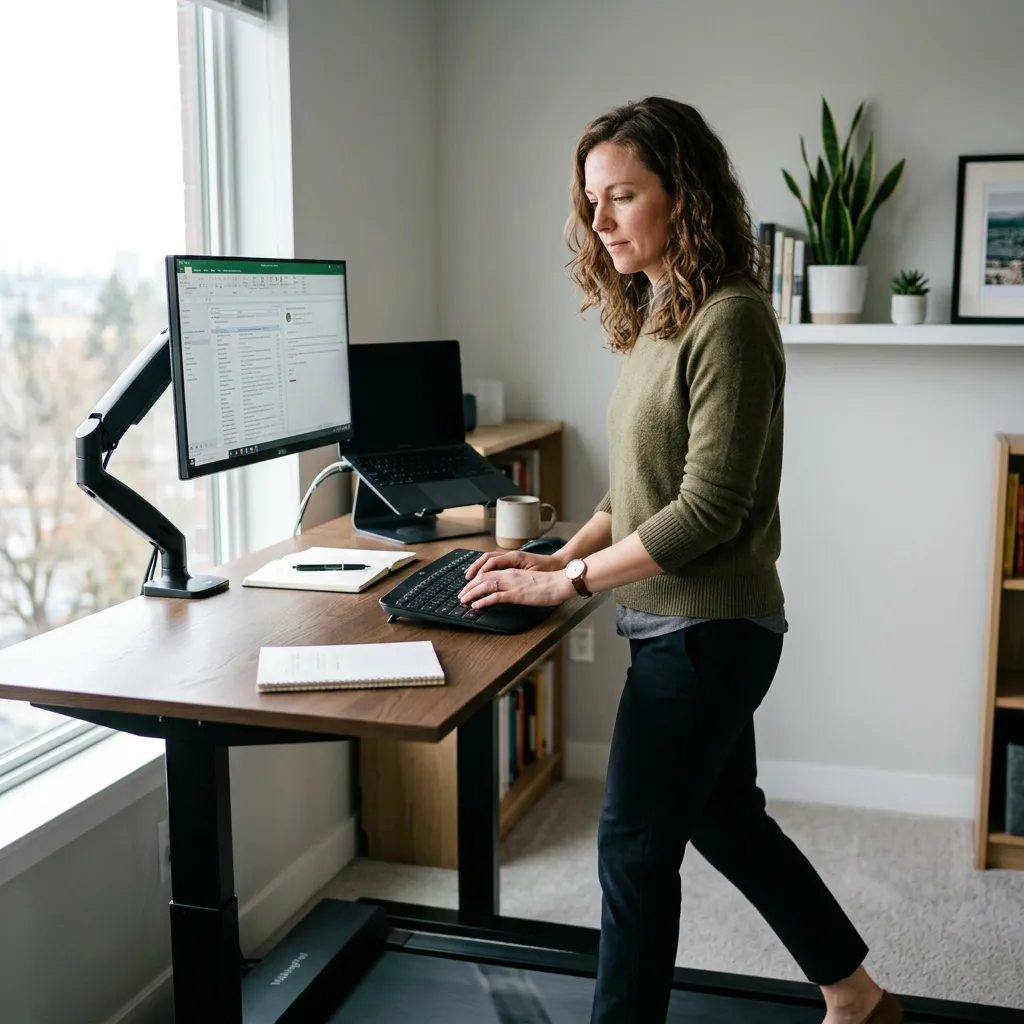
Standing Desks & Walking Pads: How Long Should You Stand?
Standing Desks and Walking Pads: How Long Should You Stand (and Can You Actually Work While Walking)?
If you've got a standing desk, chances are it's either become part of your daily routine or it's turned into an expensive spot to rest your coffee. Most people fall somewhere in between: they know standing is meant to be "better" for them, but they're not sure how long to do it for, whether standing too long causes its own problems, or how to actually build the habit without forgetting the desk even moves.
Here's what's worth knowing.
Is standing actually better than sitting?
The honest answer is that neither position, held for hours on end, is great for your body. The problem was never sitting specifically. It's staying in any one position for long stretches without moving.
Prolonged sitting is linked to lower energy expenditure, stiffness through the hips and lower back, and general deconditioning over time. But research on standing desks has found that simply swapping sitting for standing doesn't automatically fix these issues. Standing still for long periods brings its own set of problems, including increased pressure through the lower back, swelling in the legs, and fatigue through the feet and calves.
The real goal isn't sitting versus standing. It's variation. Your body is designed to move, and the healthiest workday is one where you're regularly shifting position, not locked into either extreme.
How long should you stand for?
There's no single perfect number, but a commonly recommended approach is to alternate roughly every 30 to 60 minutes between sitting and standing, aiming for a rough split across the day rather than standing continuously from 9 to 5. For most people starting out, 5 to 15 minutes of standing per hour is a reasonable starting point, building up gradually as your body adjusts.
If you're new to a standing desk, easing in matters. Standing for an entire day in week one is a fast way to end up with sore feet, tight calves, and a desk you avoid using for the rest of the month. Building tolerance over a few weeks tends to work better than an all-or-nothing approach.
A useful rule of thumb: if you're noticing aching, swelling, or discomfort building through your legs or lower back, that's your body telling you it's time to sit or move, not push through.
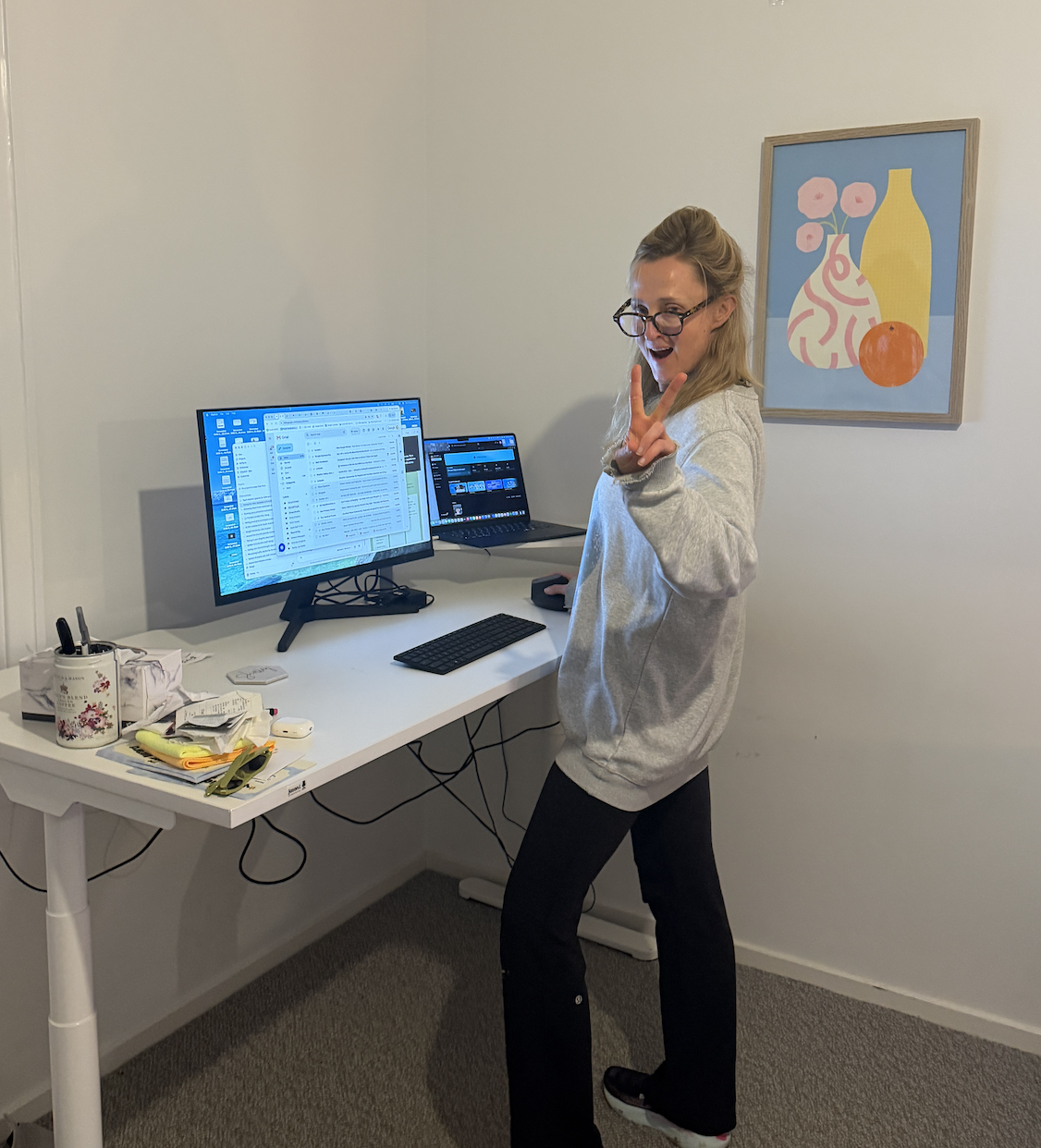
Founding director Shell thinking she may be a DJ at her standing desk.
What are the risks of standing too long?
Standing has real benefits, but standing statically for extended periods without moving comes with its own downsides, including:
Lower back and hip discomfort. Standing still puts sustained load through the lower back and pelvis, particularly if your posture drifts (weight shifted onto one leg, a slouched upper back, or an unsupported core).
Leg fatigue and swelling. Standing reduces blood flow efficiency back up through the legs, which is why your feet and ankles might feel heavier or puffier by the end of a long standing stretch.
Joint stiffness. Just like sitting, holding any single position for too long limits movement through the joints, which can leave your hips, knees and ankles feeling stiff rather than stronger.
Reduced concentration. Some people find that standing for very long, unbroken periods is more mentally fatiguing than expected, simply because the body is working harder to stay upright and stable.
None of this means standing desks are a bad idea. It means the goal is movement and variation, not swapping one static position for another.
How to actually use a standing desk (and stick with it)
Most people don't struggle with the idea of a standing desk. They struggle with remembering to use it, or with standing so awkwardly that it feels worse than just sitting. A few things that make a real difference:
Set a reminder, not a rule. A simple timer or calendar alert every 30 to 45 minutes to prompt a position change works better than trying to "just remember." Removing the decision-making makes the habit stick.
Pair standing with specific tasks. Many people find it easier to stand during calls, emails, or reading, and sit for deep focus work. Attaching standing to a type of task, rather than a strict schedule, tends to be more sustainable.
Check your setup. Your monitor should be at eye level and your elbows roughly at a 90-degree angle when standing, the same way they should when seated. A standing desk set at the wrong height just trades one postural problem for another.
Shift your weight and move your feet. Standing doesn't mean standing still. Gentle weight shifts, small calf raises, or simply changing foot position every few minutes helps keep blood flowing and reduces the static load through your joints.
Consider a mat or supportive shoes. If you're standing on a hard floor, an anti-fatigue mat can noticeably reduce the load through your feet and lower legs over a long stretch.
Build tolerance gradually. Increase your standing time by small amounts each week rather than jumping straight to several hours a day.
What about walking pads and under-desk treadmills?
Walking pads (the slim, under-desk treadmills that have become popular alongside standing desks) are a step beyond standing, and the research on them is genuinely promising. Studies looking at walking while working have found benefits including improved energy expenditure, better blood sugar regulation after meals, and reduced sedentary time compared to sitting or standing alone.
Do they actually work? In terms of getting your body moving more throughout the day, yes. Even slow, low-intensity walking (generally in the 2 to 3km/h range for desk use) adds up to meaningfully more movement than sitting or standing still, without needing to carve out separate exercise time. For people who struggle to fit structured exercise into a busy day, a walking pad can be a genuinely useful way to accumulate movement in the background.
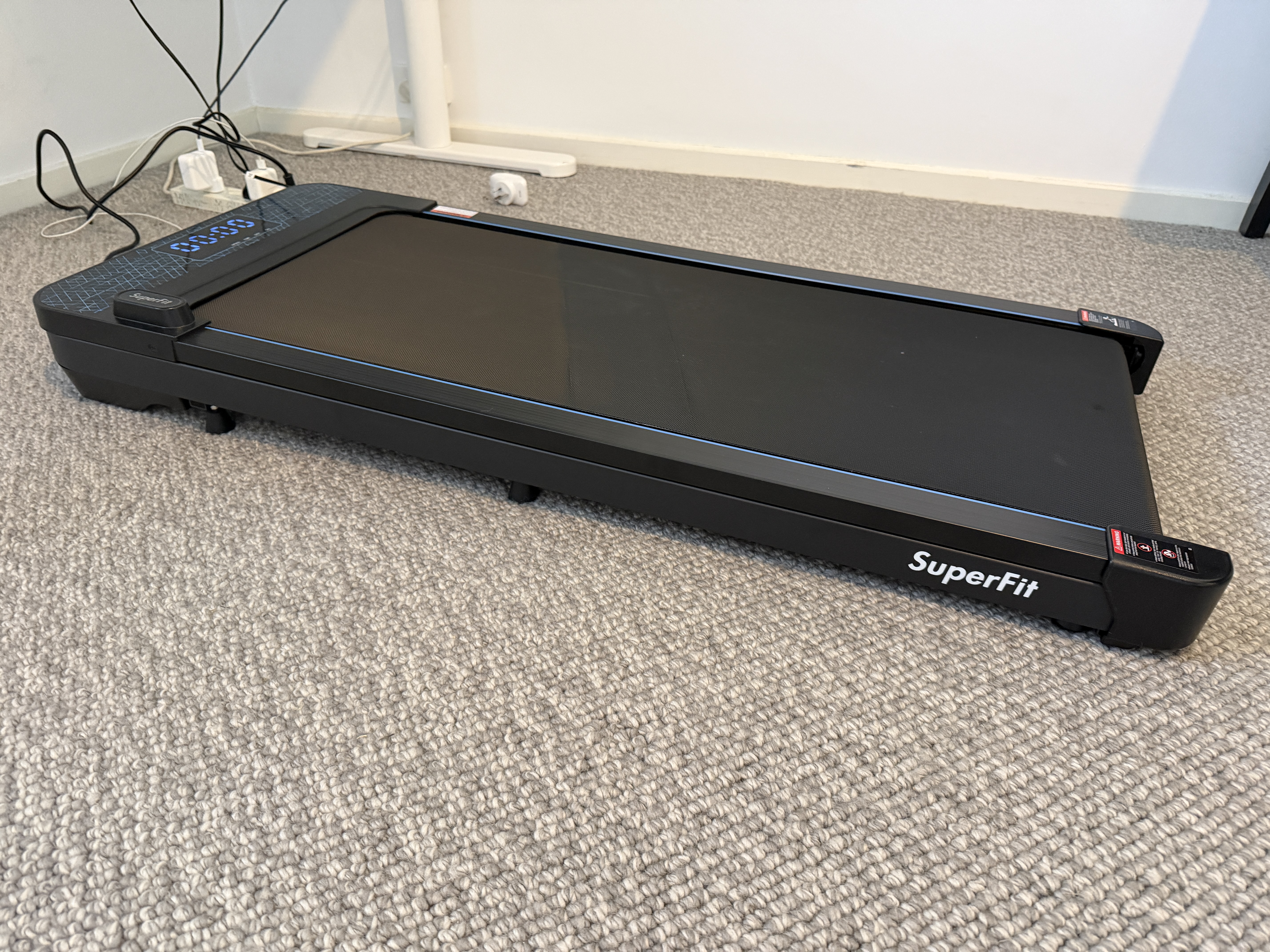
Make sure your placement & cords are set up well
Can you actually do focused work while walking? This depends heavily on the task. Most people find that low-focus, low-precision work (phone calls, emails, reading, watching a training video) pairs reasonably well with slow walking. Tasks that need fine motor control or sustained concentration, like detailed typing, data entry, or anything requiring precise mouse use, tend to get noticeably harder. Walking introduces a small amount of upper body movement and postural adjustment, which is exactly what makes it good for you, but that same movement can reduce typing accuracy and make screen focus more effortful.
A practical approach many people land on is using the walking pad for the "low-stakes" parts of the day (calls, admin, catching up on reading) and stepping off for anything that needs precision or deep focus. Trying to walk through an entire 8-hour workday, especially early on, is more likely to lead to fatigue and frustration than genuine productivity.
A few practical notes if you're considering one:
Start slow, literally. Very slow speeds (around 1 to 2km/h) are usually enough to get the movement benefits without throwing off your balance, typing, or concentration.
Build up gradually. Similar to a standing desk, jumping straight to hours of walking per day is more likely to cause soreness through the feet, calves and hips than a steady build-up over a few weeks.
Watch your screen height. Walking changes your natural posture slightly, so it's worth rechecking that your monitor and keyboard height still suit you once you're moving rather than static.
It's a complement, not a replacement. A walking pad still shouldn't be the only movement in your day. Alternating between sitting, standing, and walking gives your body the most variation, which is ultimately what matters most.
When it's worth getting checked
If you're finding that standing consistently brings on pain, rather than just the normal fatigue of adjusting to something new, particularly in your lower back, hips, or legs, it's worth getting assessed rather than pushing through it. This is especially true if the pain persists after you sit down, or if it's been building over several weeks.
A physiotherapy or osteopathy assessment can help identify what's actually driving the discomfort, whether that's postural habits, an underlying movement pattern, or something else worth addressing directly. And if deconditioning or general muscle weakness is part of the picture, particularly through the core and legs, exercise physiology can help build the strength and endurance that makes standing (and sitting, and everything in between) more comfortable over the long run. And please don't forget your footwear - if you are using a standing desk, good footwear is essential to help support the enitre body- if you are unsure of this, it is worth a check-in with a podiatrist.
The bottom line
A standing desk is a genuinely useful tool, but it works best as part of a varied day, not a replacement for sitting all day with standing all day. Alternate positions regularly, ease into standing gradually, pay attention to your setup, and listen to what your body is telling you. If discomfort is sticking around longer than it should, that's worth having looked at properly rather than working around it indefinitely.
If you're dealing with ongoing back, hip or leg discomfort at your desk, find your nearest Move Beyond clinic and book in with one of our physiotherapists or exercise physiologists.